Microsoft Co-pilot Beginner To Pro
About Course
About this course:
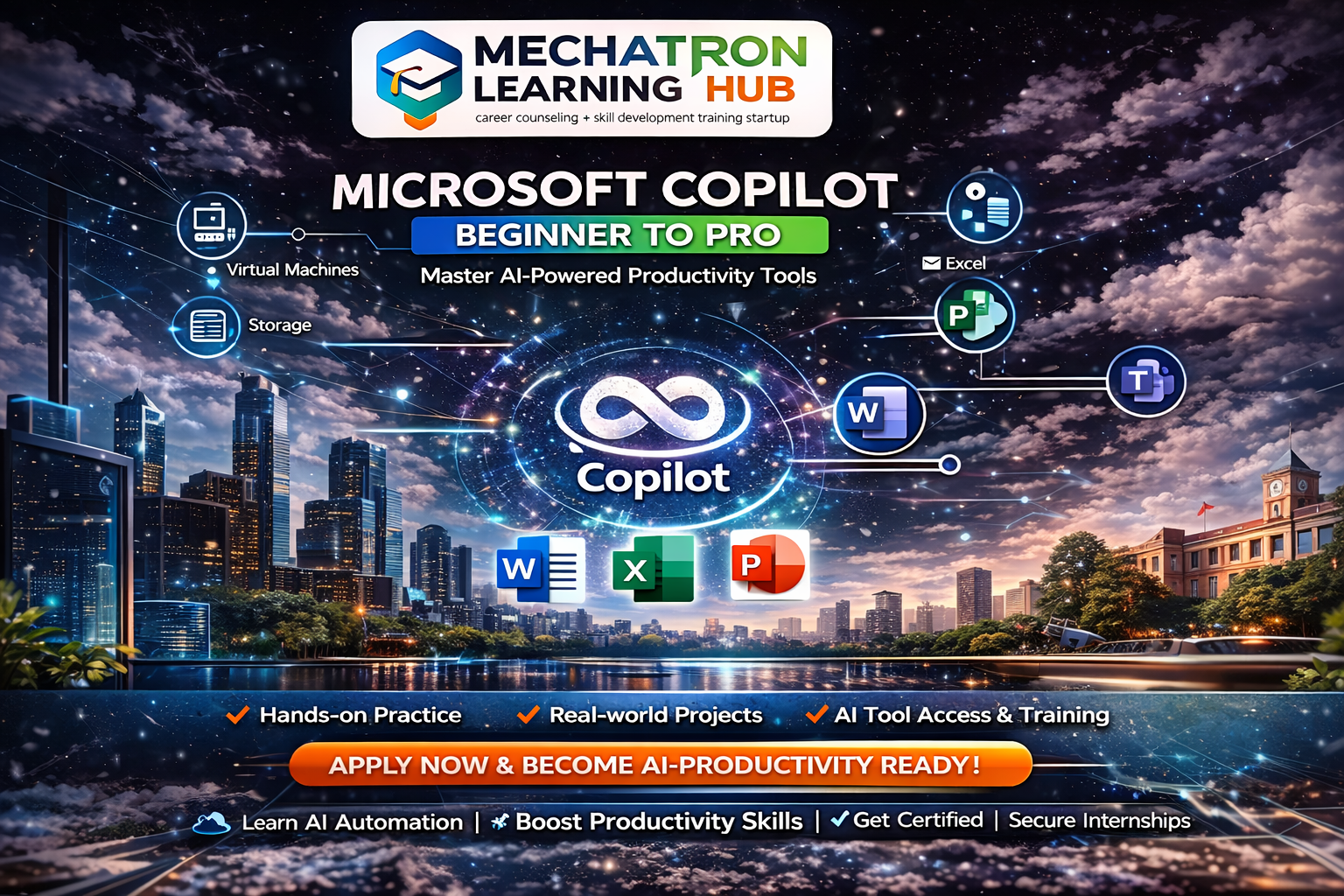
This course is designed to help students master Microsoft Copilot and AI-powered productivity tools. Learn how to use Copilot across Microsoft 365 apps like Word, Excel, PowerPoint, and Teams to automate tasks, generate content, analyze data, and improve efficiency.
Students will gain hands-on experience in using AI for real-world tasks such as report writing, data analysis, presentations, and communication. The course focuses on practical applications, making learners job-ready for modern AI-driven workplaces.
Duration: 90 Days (3 Months)
Mode: Online (Teams) + Offline (Weekend/Bootcamp option)
Format:
- Mon–Fri: Training (1.5–2 hrs/day)
- Sat: Practical Lab / Assignments / Doubt clearing
- Sun: Optional (Mock interviews / Projects)
Phases (Applicable to all courses):
- Phase 1 (Days 1–30): Fundamentals
- Phase 2 (Days 31–60): Intermediate + Hands-on
- Phase 3 (Days 61–90): Advanced + Real-world Project + Internship Simulation
Goal:
Make students & professionals productive using AI tools in real jobs.
Course Content
Module 1: AI & Copilot Basics
-
Introduction to AI & Generative AI
-
Overview of Microsoft Copilot
-
Prompt Engineering Basics
-
Copilot in Word, Excel, PowerPoint
-
Practical
Module 2: Business Productivity
Module 3: Advanced + Internship
Student Ratings & Reviews

No Review Yet