Learn 5 AI Tools to Increase Your Productivity
About Course
Course Description
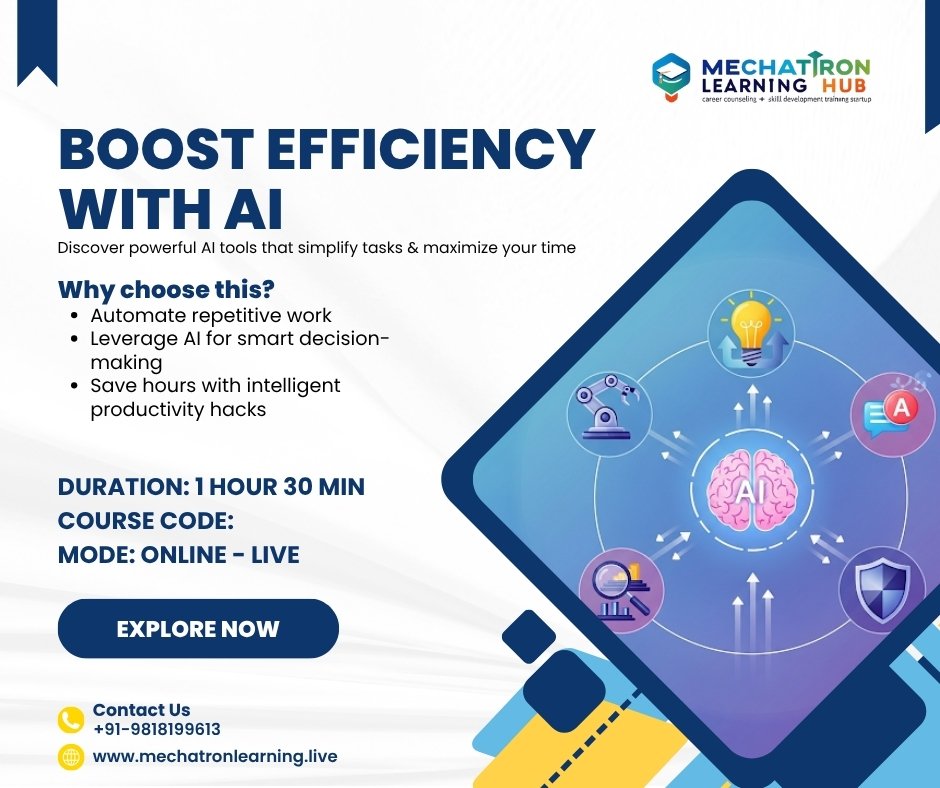
This program introduces participants to five popular AI tools that can boost productivity across professional, academic, and creative tasks. Learners will explore AI for writing, research, design, automation, and collaboration, understand their features, and get hands-on experience to apply them in daily workflows. The course is suitable for students, freshers, professionals, and educators aiming to leverage AI to save time, improve output quality, and streamline work.
Learning Objectives
By the end of this course, participants will be able to:
-
Understand the capabilities of AI productivity tools.
-
Apply AI tools for writing, design, automation, and collaboration.
-
Integrate AI tools into academic, professional, and teaching workflows.
-
Evaluate and select the right AI tool for specific tasks.
-
Use AI responsibly and ethically to improve output efficiency.
Target Audience
-
College Students & Freshers: Increase productivity in assignments, projects, and research.
-
Working Professionals: Optimize workplace tasks using AI tools.
-
Educators: Apply AI tools to teaching, content creation, and administrative work.
Course Content
Module 1: Introduction to AI Productivity Tools
-
Online Live Class: 1.5 Hours
-
Practice/ Doubt: 30 Minutes
Module 2: AI Tool 1 – Writing & Content Generation
Module 3: AI Tool 2 – Research & Data Insights
Module 4: AI Tool 3 – Design & Visualization
Module 5: AI Tool 4 – Automation & Task Management
Module 6: AI Tool 5 – Collaboration & Communication
Module 7: Integration & Workflow Optimization
Module 8: Capstone Project & Career/Teaching Application
Student Ratings & Reviews