GitHub Copilot GH-300
Wishlist Share
Share Course
Page Link
Share On Social Media

About Course

Course Description

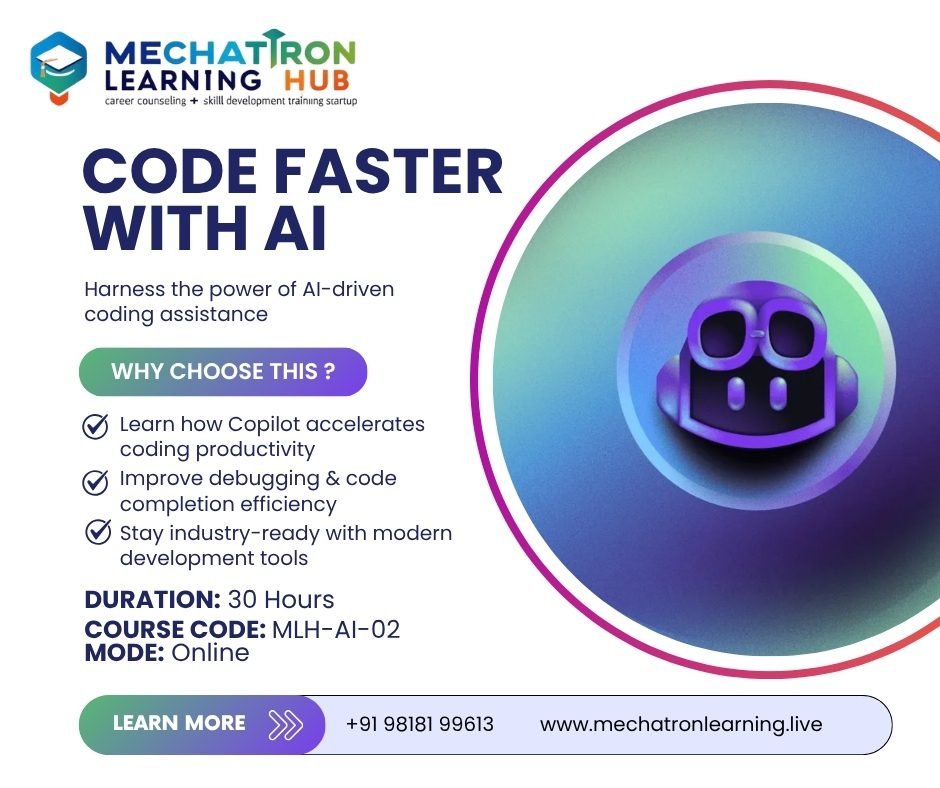
This course prepares developers, DevOps engineers, and technical leads to use GitHub Copilot effectively and responsibly. Students will gain practical skills in prompt engineering, using Copilot in various environments, understanding features across plan tiers, working with data/privacy considerations, and preparing for the GH-300 certification exam.


Learning Objectives

After completing the course, participants will be able to:

  • Describe GitHub Copilot’s features, versions/plans (Individual, Business, Enterprise).
  • Install and configure Copilot in different IDEs and command-line environments.
  • Craft effective prompts for code suggestions, refactoring, docs, tests.
  • Understand how Copilot works under the hood: data flow, context gathering, limitations.
  • Apply responsible AI principles: ethical use, data privacy, bias, governance.
  • Use Copilot advanced capabilities: Copilot Chat, Knowledge Bases, pull request summaries.
  • Troubleshoot common issues (e.g. context exclusions, missing suggestions).
  • Prepare for the GH-300 exam through mock tests and domain-focused review.

Target Audience

  • Software developers and engineers wanting to boost productivity with AI tools.
  • DevOps professionals integrating AI into workflows.
  • Technical leads / architects evaluating Copilot for team adoption.
  • Administrators managing Copilot in enterprise / organizational settings.
Show More

Course Content

Module 1: Introduction & Responsible AI
Content to be covered: Course overview; exam domains & format, What is GitHub Copilot: history, purpose, use cases, Basics of Generative AI, LLMs, prompt engineering basics, Ethical, privacy and responsible AI principles.

  • Online Live Class: 2 Hours
  • Practice/Doubt: 1 Hour

Module 2: Plans, Licensing, & Features Overview
Content to be covered: Copilot plans: Individual, Business, Enterprise – comparison of features, licensing, billing, Copilot Chat vs standard suggestions, inline completions, multiple suggestions, How Copilot works in different IDEs and CLI.

Module 3: Installation, Setup, Configuration
Content to be covered: Managing configuration settings (preferences, exclusions, privacy), Organization-wide policies, audit logs (for Business/Enterprise), Setting up Copilot in VS Code, JetBrains etc., and Copilot CLI, Hands-on: Install, configure, test basic suggestions.

Module 4: Prompt Crafting & Engineering
Content to be covered: Elements of a good prompt: context, clarity, scope, examples, Zero-shot vs few-shot prompting, Dealing with ambiguous outputs, Hands-on labs: crafting prompts for different tasks – code generation, documentation, refactoring.

Module 5: Copilot in Developer Workflows
Content to be covered: Using Copilot in SDLC: from writing boilerplate → tests → code reviews, Pull request summaries, Knowledge Bases (Enterprise), Integrating with CI/CD, GitHub Actions, Hands-on exercise: using Copilot in a sample project workflow.

Module 6: Data Handling, Security & Privacy
Content to be covered: How Copilot handles data: input, context, prompt, model output flow, Content & context exclusions, Duplication detection, licensing, IP, Secure coding: recognizing and mitigating code issues from suggestions.

Module 7: Limitations, Troubleshooting & Best Practices
Content to be covered: Common limitations: context window, bias, model ageing, irrelevant outputs, Handling suggestions that are wrong or insecure, Troubleshooting missing suggestions, IDE/CLI gotchas, Best practices for consistency, maintainability, review, Hands-on debugging scenarios.

Module 8: Advanced Features
Content to be covered: Copilot Chat advanced features, Knowledge Bases, custom models (Enterprise), Pull request summaries, Using Copilot with CLI tools, Hands-on labs: using Knowledge Bases, custom configurations.

Module 9: Measuring Productivity & Use Cases
Content to be covered: Using Copilot for productivity improvements: sample metrics and ROI, Use cases across languages / frameworks, Real world scenarios: legacy code, open source, team collaboration, Case study: evaluate before/after using Copilot in a project.

Module 10: Exam Prep & Mock Test
Content to be covered: Review of all GH-300 exam domains: Responsible AI; Plans & Features; Data & Function-flow; Prompt Engineering; Use Cases; Testing; Privacy & Troubleshooting, Practice / mock exam, Sample questions and discussion, Tips & strategy for taking the GH-300 exam.

Student Ratings & Reviews

No Review Yet
No Review Yet