Virtualization & Server Management
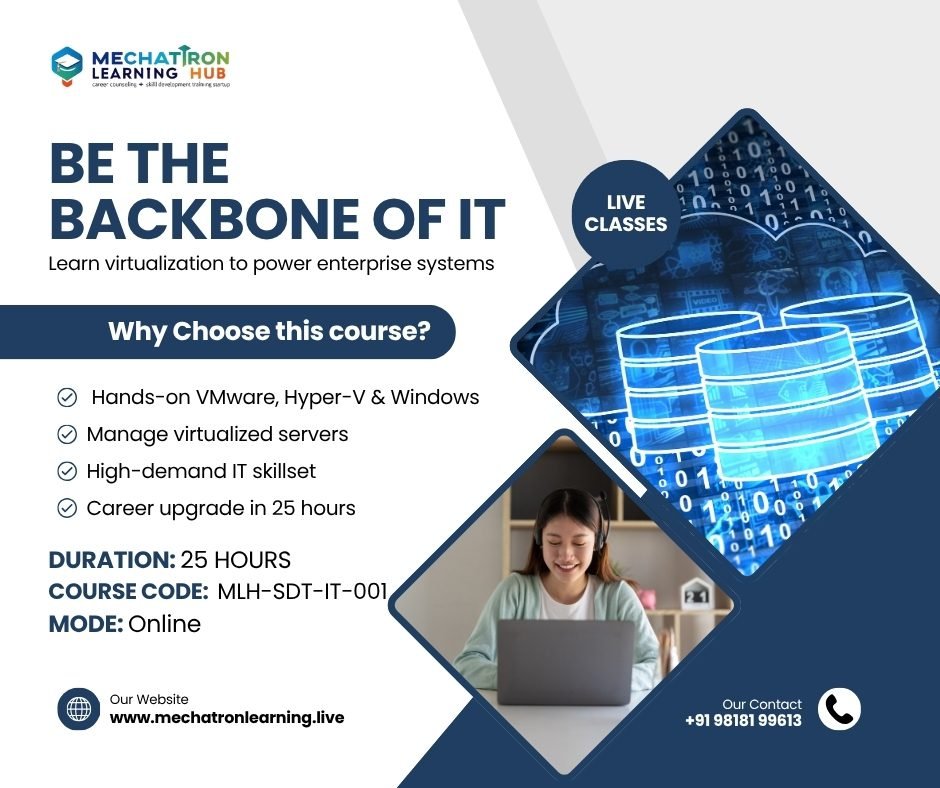
About Course
Course Description
This program equips learners with the skills to set up, manage, and maintain virtualized environments and servers. It introduces concepts of virtualization, hypervisors, Windows & Linux server management, networking, storage, security, and automation. Participants will work with tools like VMware, Hyper-V, and VirtualBox, along with hands-on labs in Windows Server and Linux environments.
Learning Objectives
By the end of this course, learners will:
-
Understand virtualization concepts and types (server, storage, desktop, application).
-
Gain hands-on experience with VMware, Hyper-V, and VirtualBox.
-
Configure and manage Windows & Linux servers.
-
Set up Active Directory, DNS, DHCP, File & Print services.
-
Learn server security, backup, and monitoring techniques.
-
Explore virtual networking, storage, and clustering.
-
Understand automation basics using PowerShell and Bash.
-
Prepare for entry-level IT infrastructure and system admin roles.
Target Audience
-
College Freshers: Entry into IT infrastructure, system admin, or cloud careers.
-
Working Professionals: Upskilling to manage enterprise virtualization and servers.
-
Educators: Teaching server management and virtualization in classrooms.
Course Content
Module 1: Introduction to Virtualization & Servers
-
Online Live Class: 2 Hours
-
Practice/ Doubt: 30 Minutes
Module 2: Virtualization Platforms (VMware, Hyper-V, VirtualBox)
Module 3: Windows Server Installation & Configuration
Module 4: Active Directory, DNS & DHCP
Module 5: File, Print, and Remote Access Services
Module 6: Linux Server Administration
Module 7: Virtual Networking & Storage Management
Module 8: Security, Backup & Monitoring
Module 9: Automation with PowerShell & Bash
Module 10: Capstone Project & Career Pathways
Student Ratings & Reviews